
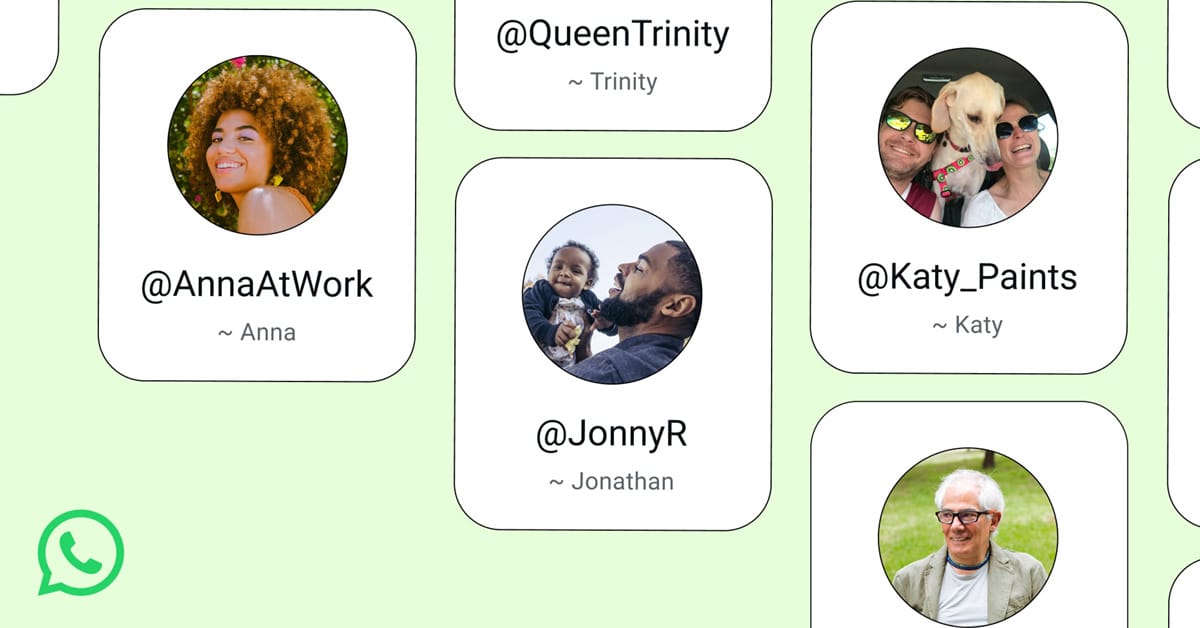
New Delhi: WhatsApp is rolling out one of its most requested features yet! “Usernames”. This will let people connect on the app without sharing their phone number, while a phone number will still be required to create an account in the first place.
Starting this week, users can reserve their preferred username ahead of the official feature launch later this year. Usernames can be between 3 and 35 characters, with no major restrictions besides adherence to WhatsApp’s policies. However, the company is holding back certain usernames reserved for top celebrities, VIPs, and organizations.
Businesses and creators looking for consistency across platforms can claim their existing Instagram or Facebook username as their WhatsApp username instead of picking a new one.
Also read: WhatsApp to Break Language Barriers with iPhone Translation
Once live in a user’s country, people will get a notification and can head to Settings > Account > Username to set theirs. An optional username key will also be available, giving users extra control over who is allowed to message them using their username.
Why is the rollout staggered through reservations first? With WhatsApp’s user base crossing 3 billion, the company wants to avoid duplicate usernames and give everyone a fair shot at the name they want.
Also read: Google Now Lets Users Change Their Gmail Address!
On privacy, WhatsApp said, “Usernames won’t be searchable within the app, and only people who already know your exact username will be able to message you. Users also retain full control and can turn the feature off or change their username anytime.”
WhatsApp’s product head, Alice Newton-Rex, explained the thinking behind the move as he said, “Phone numbers feel personal, and not everyone wants to hand theirs over to a new acquaintance, classmate, or neighbor right away. Usernames offer a way to stay reachable without that exposure.”
WhatsApp, however, has not allowed QR code option yet to connect with someone as usernames will need to be shared manually, via text or verbally.
WhatsApp joins rivals like Telegram, Signal, and Wire, which have offered usernames for years as a way to protect phone number privacy. The update also comes just days after WhatsApp announced a leadership change.
How to Create a Username on WhatsApp
- Update WhatsApp to the latest version on your phone.
- Go to Settings > Account > Username.
- Choose a username between 3 and 35 characters.
- Use the in-app username generator if you need suggestions.
- Businesses and creators can opt to claim their existing Instagram or Facebook handle as their WhatsApp username.
- Set an optional username key to control who can message you using your username.
- Save your changes. Your username will go live once the feature is officially available in your country.
- You can edit or remove your username anytime from the same settings menu.

 Previous


